 Clipvex
Hevy CTA Slide Generator
Start by picking the CTA slide that matches whatever content you're posting. From there, fill in the names, photos and numbers however's easiest for you — type it in yourself, describe what you want, or, if you don't need anything specific, just hit random and it'll fill everything out for you. A few seconds later you'll have a picture that's ready to post.
Pick your format
Choose the slide that matches the content format you're posting.
Fill it in your way
Go manual, describe what you want, or hit Random to auto-fill everything.
Generate & post
Download the reference picture, copy the script, paste both into ChatGPT — done.
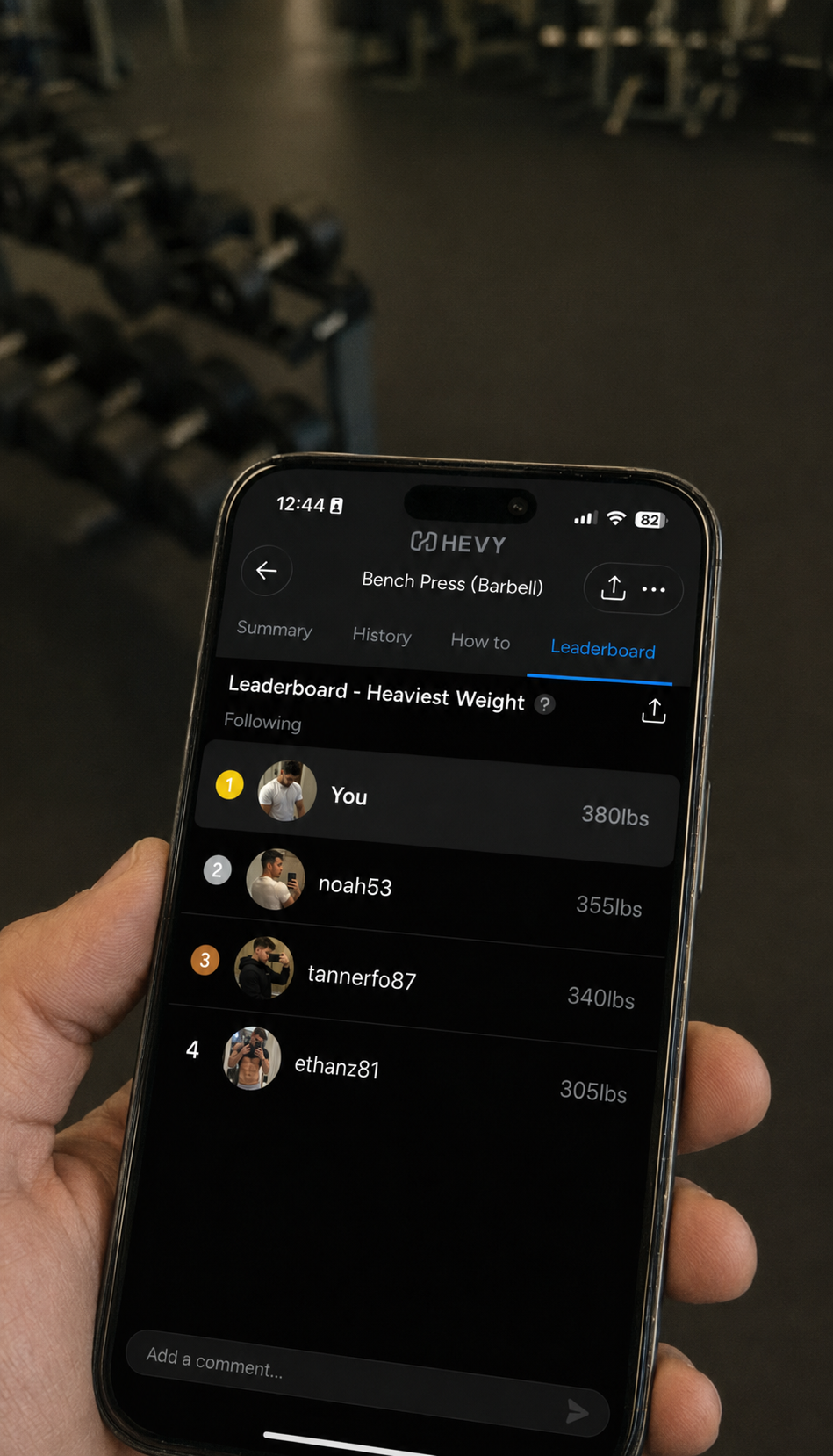
Gym Leaderboard
→Set how many people are on it, then edit names, weights, ranks and avatars.
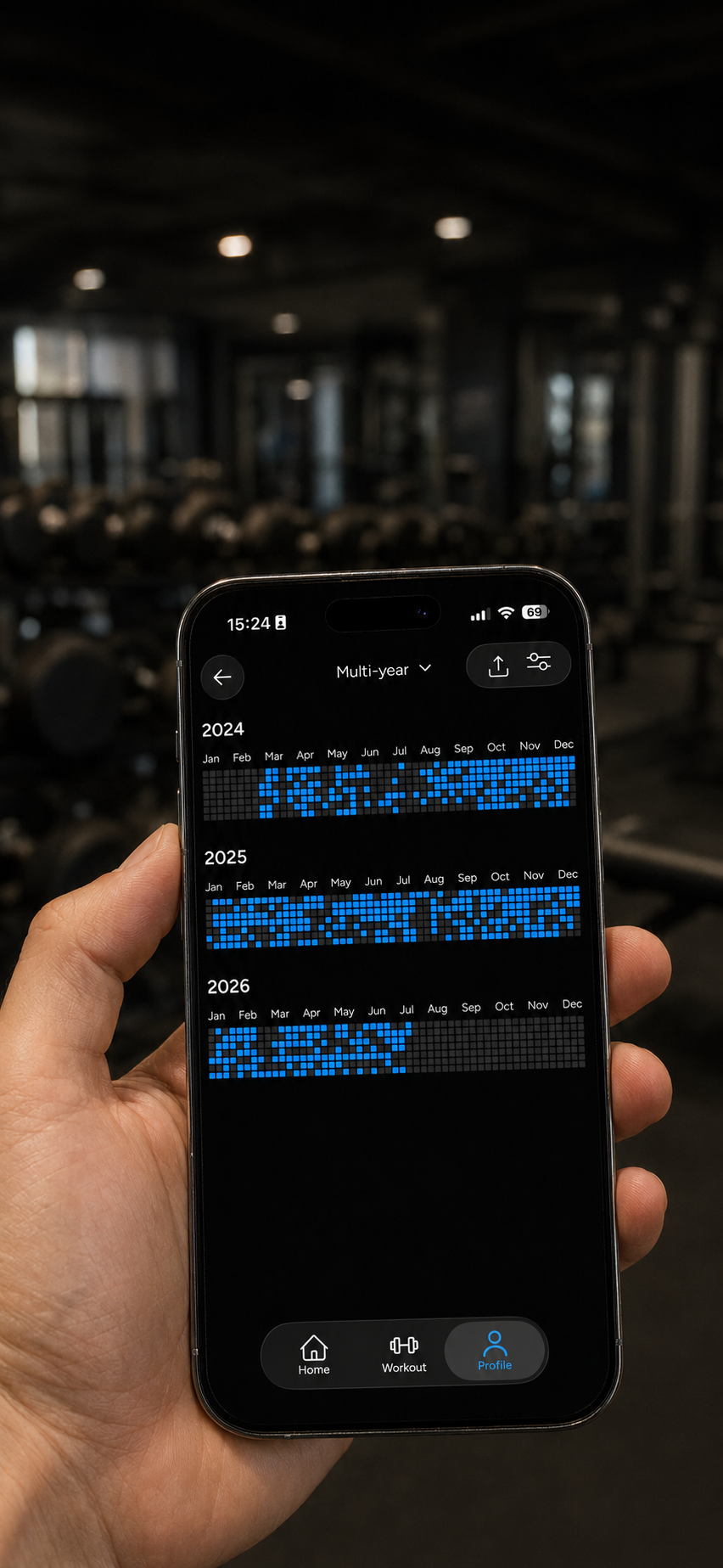
Workout History
→Pick a Month, Year, or Multi-year view, describe your stats, and get a ChatGPT script.
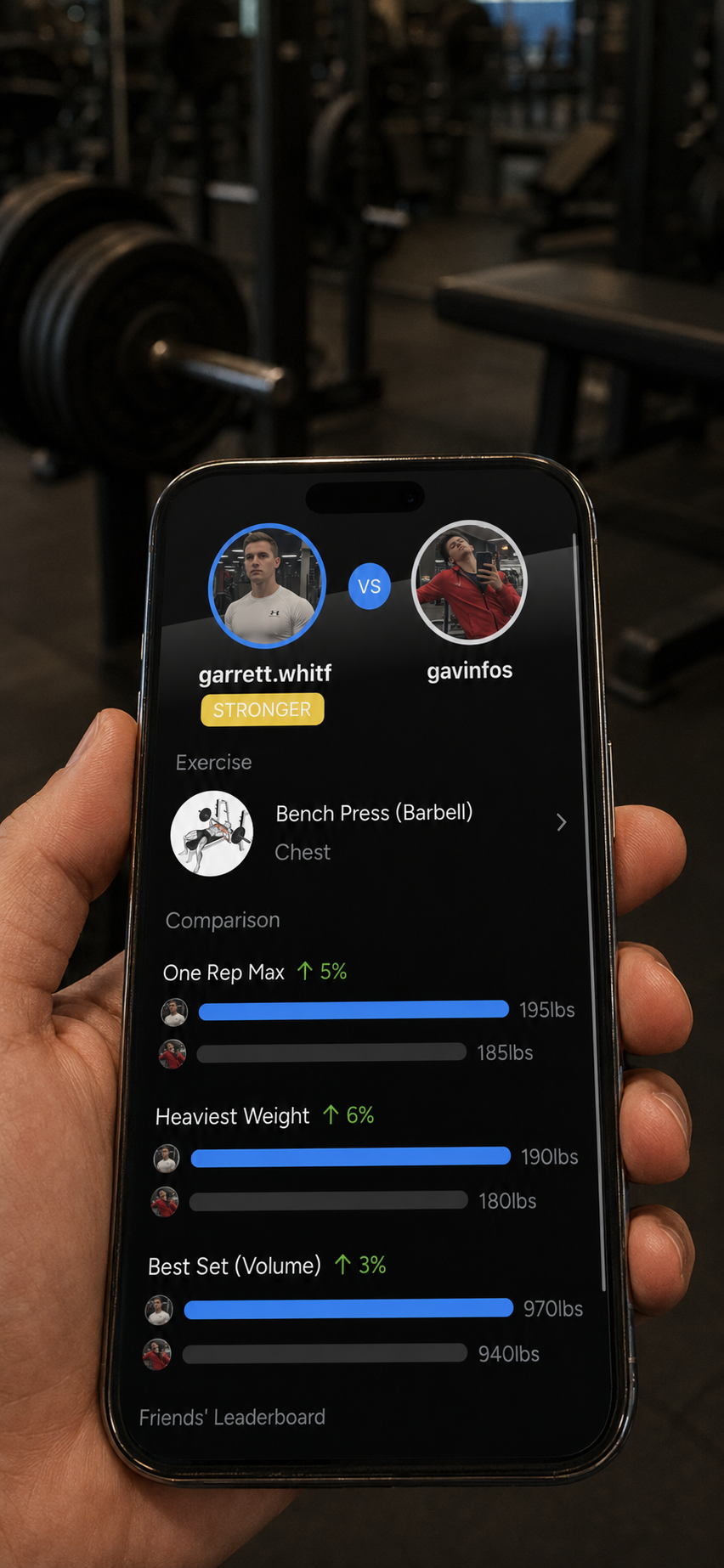
Gym 1v1
→Edit both usernames, photos, the exercise, and the three head-to-head comparison stats.
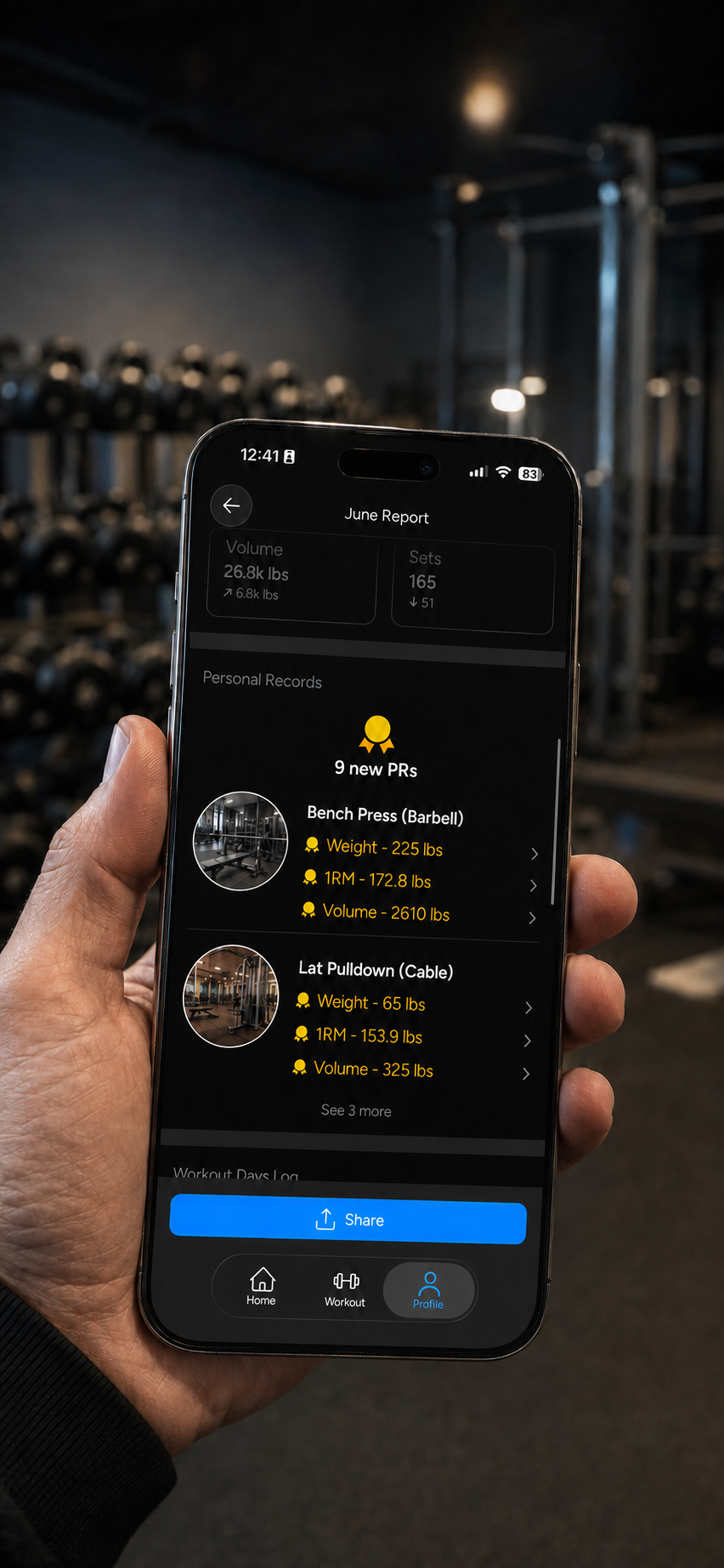
PR Tracking
→Edit the total PR count and each exercise's weight, 1RM, and volume records.
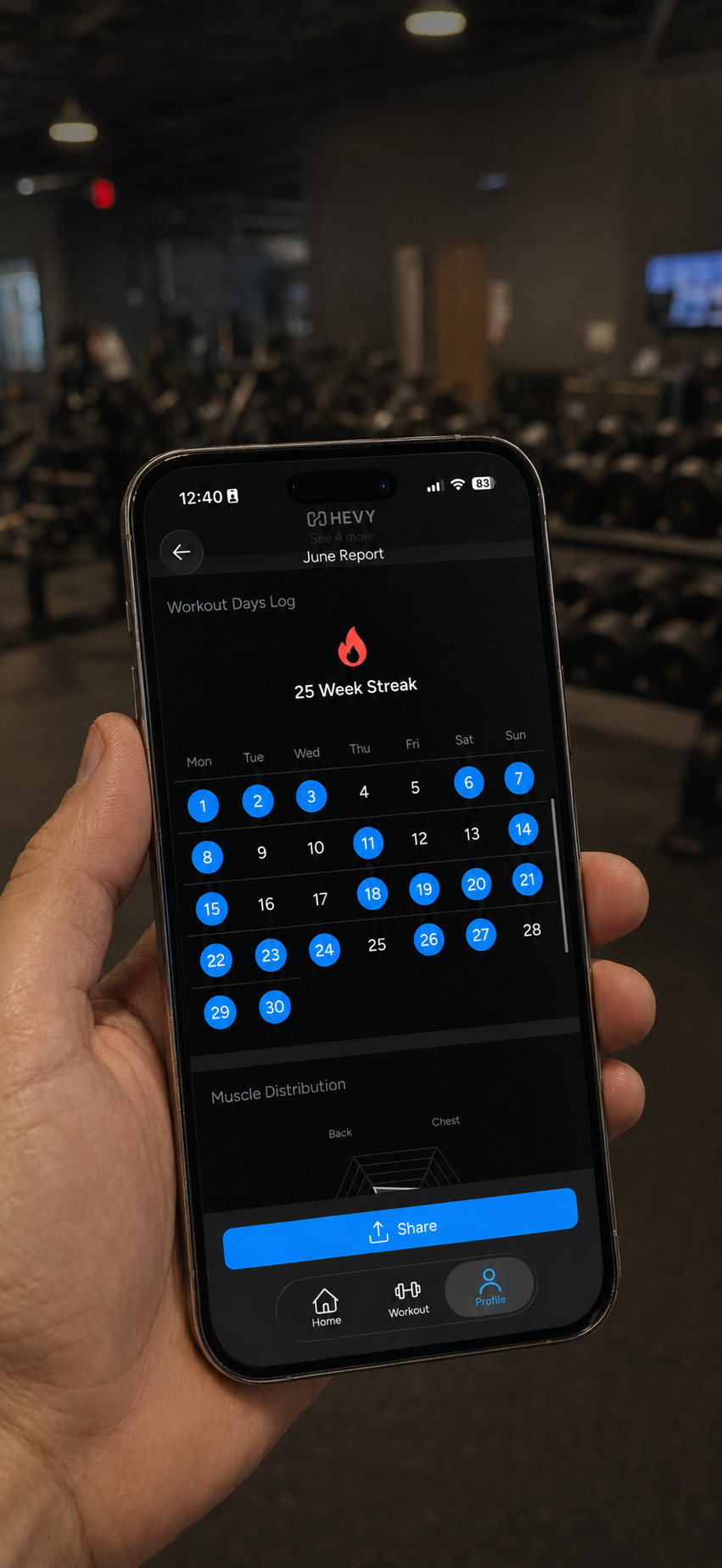
Gym Streaks
→Edit the week streak count and toggle which calendar days show as workout days.